The Projector Fails: A Five-Minute Presentation You Can Still Deliver
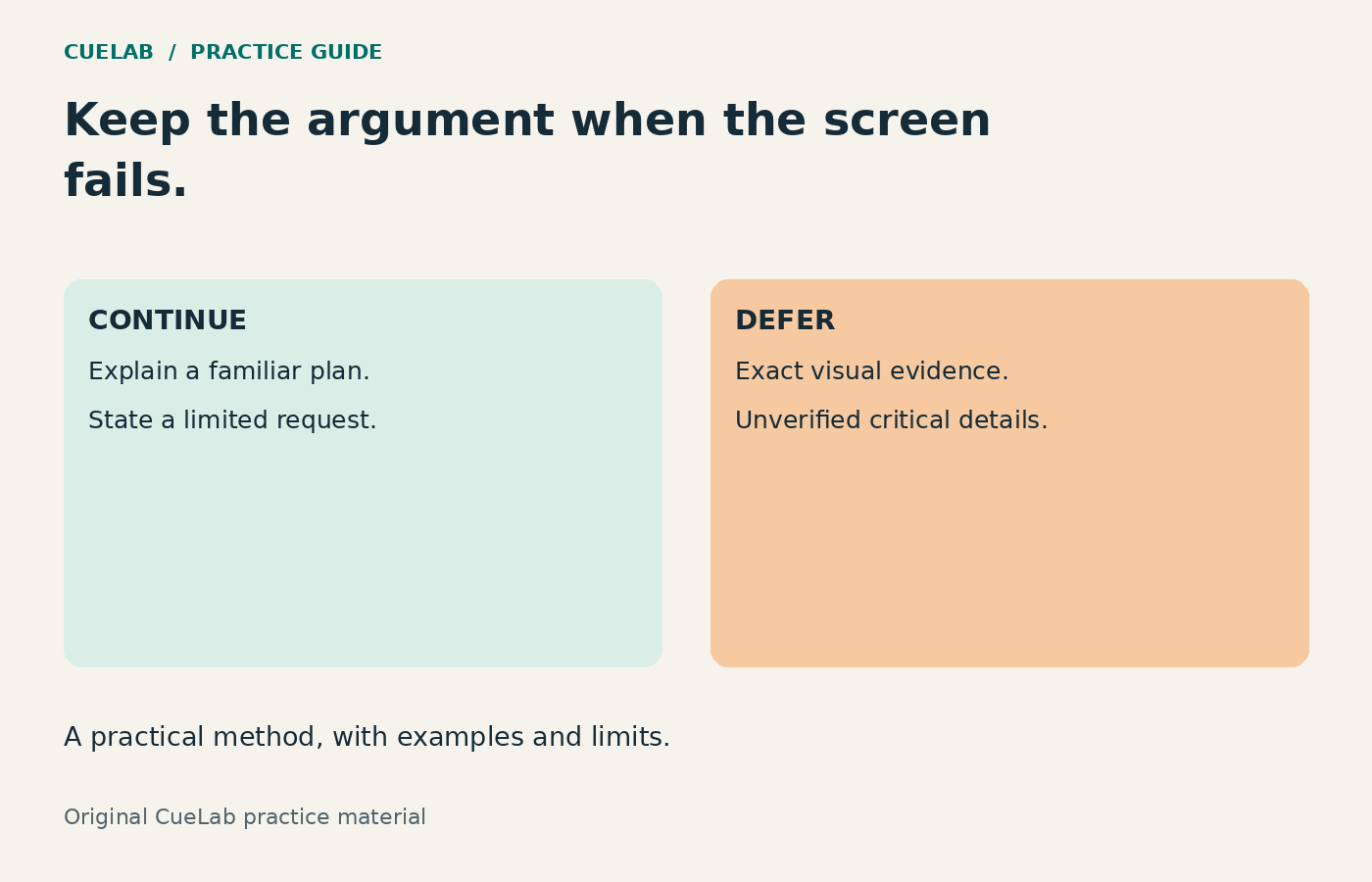
The projector goes blank just before your update. Your slide deck still exists, but the audience cannot see it. The immediate problem is deciding which part of the presentation can continue clearly and which part depends on evidence that must be visible.
A backup file helps when the original file is unavailable. A backup explanation helps when the screen is unavailable. This guide prepares the second kind: a five-minute spoken route you can rehearse, plus a way to decide when continuing would mislead the audience.
Make the continue-or-defer decision first
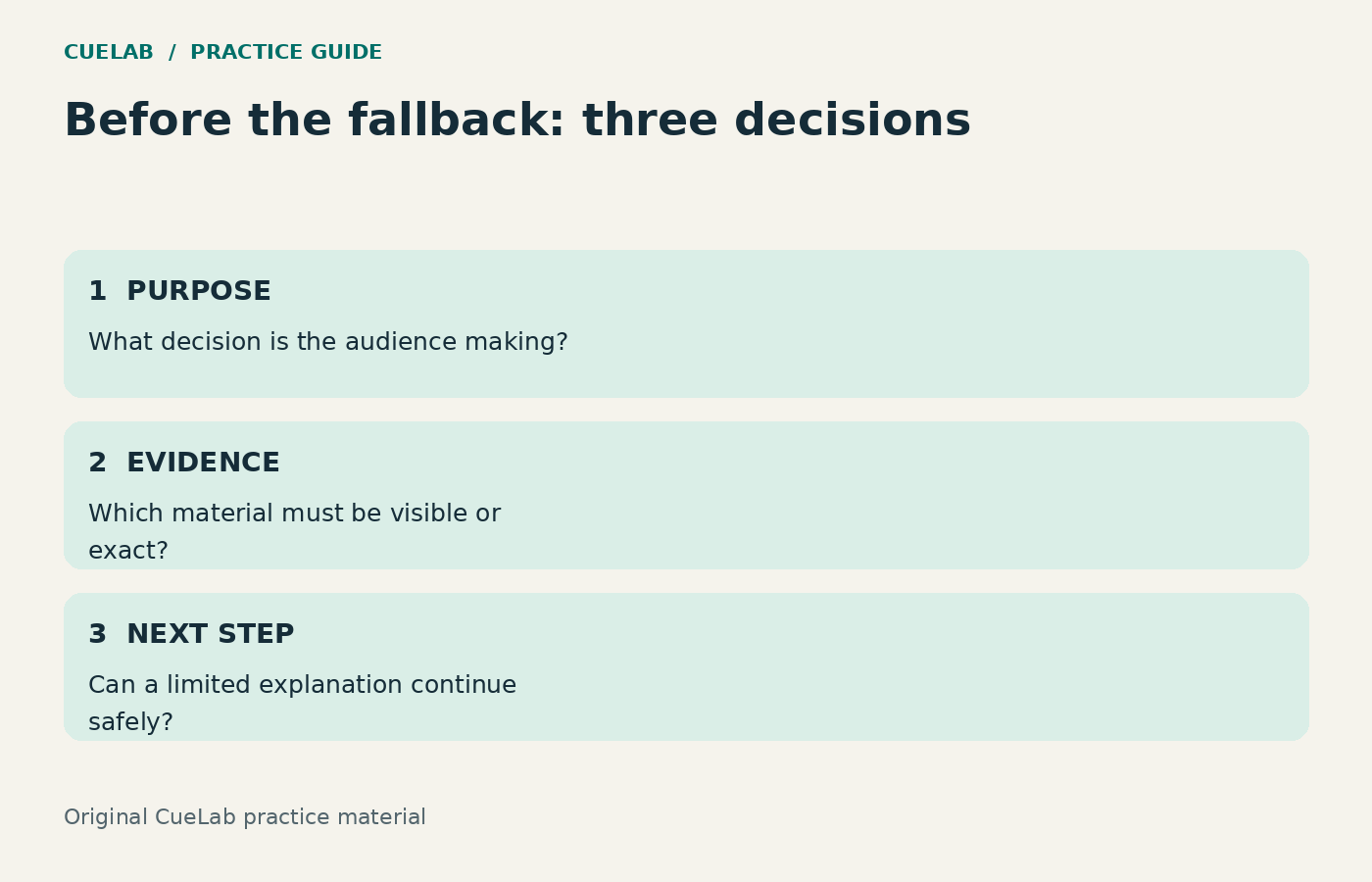
If your purpose is to explain a familiar plan, announce roles, or request a limited next step, a spoken fallback may work. If the purpose is to inspect a diagram, compare precise measurements, review an image, or approve a decision that depends on seeing detailed evidence, defer that part until the material is accessible.
Do not describe technical, clinical, legal, or safety-critical details from uncertain memory. Do not treat “I can remember most of it” as a substitute for access to the material. A confident approximation can be more harmful than a short delay.
A complete fictional example
Suppose a support supervisor planned an eight-minute update asking for a two-week appointment-window trial. The room already knows the current callback process. The screen fails. The supervisor can explain the proposed trial and its safeguards, but should not ask the group to approve a permanent rollout based on an unseen spreadsheet.
This case is invented for practice. It is not a CueLab client incident, a tested recovery method, or a claim that the following timing will suit every meeting.
| Time | Purpose | Sample wording |
|---|---|---|
| 0:00–0:30 | Reset expectations | “The screen is unavailable. I can explain the trial request now. We will review the detailed comparison when everyone can access it.” |
| 0:30–1:15 | Name the problem | “Complex enquiries sometimes need repeated callbacks. We want to test whether a scheduled window reduces that rework without making help harder to obtain.” |
| 1:15–2:15 | Describe the change | “For two weeks, one team will offer an appointment window for suitable complex enquiries. Customers can still choose the ordinary callback route.” |
| 2:15–3:15 | Explain safeguards | “A missed appointment returns to the ordinary callback queue. We will record missed appointments and the administration time as well as repeat calls.” |
| 3:15–4:15 | Define evaluation | “We will compare the recorded measures and review differences in enquiry type. We will bring the actual table back before recommending a permanent change.” |
| 4:15–5:00 | Make the limited request | “Today I am asking for permission to prepare the trial with a named owner. Approval of the full implementation stays pending until the evidence review.” |
Notice what disappeared: the detailed chart walkthrough and a lengthy comparison of alternatives. Notice what stayed: the purpose, mechanism, customer access, evaluation, and limit of the request. The fallback preserves the reasoning needed for a smaller decision.
Write the route card before the meeting
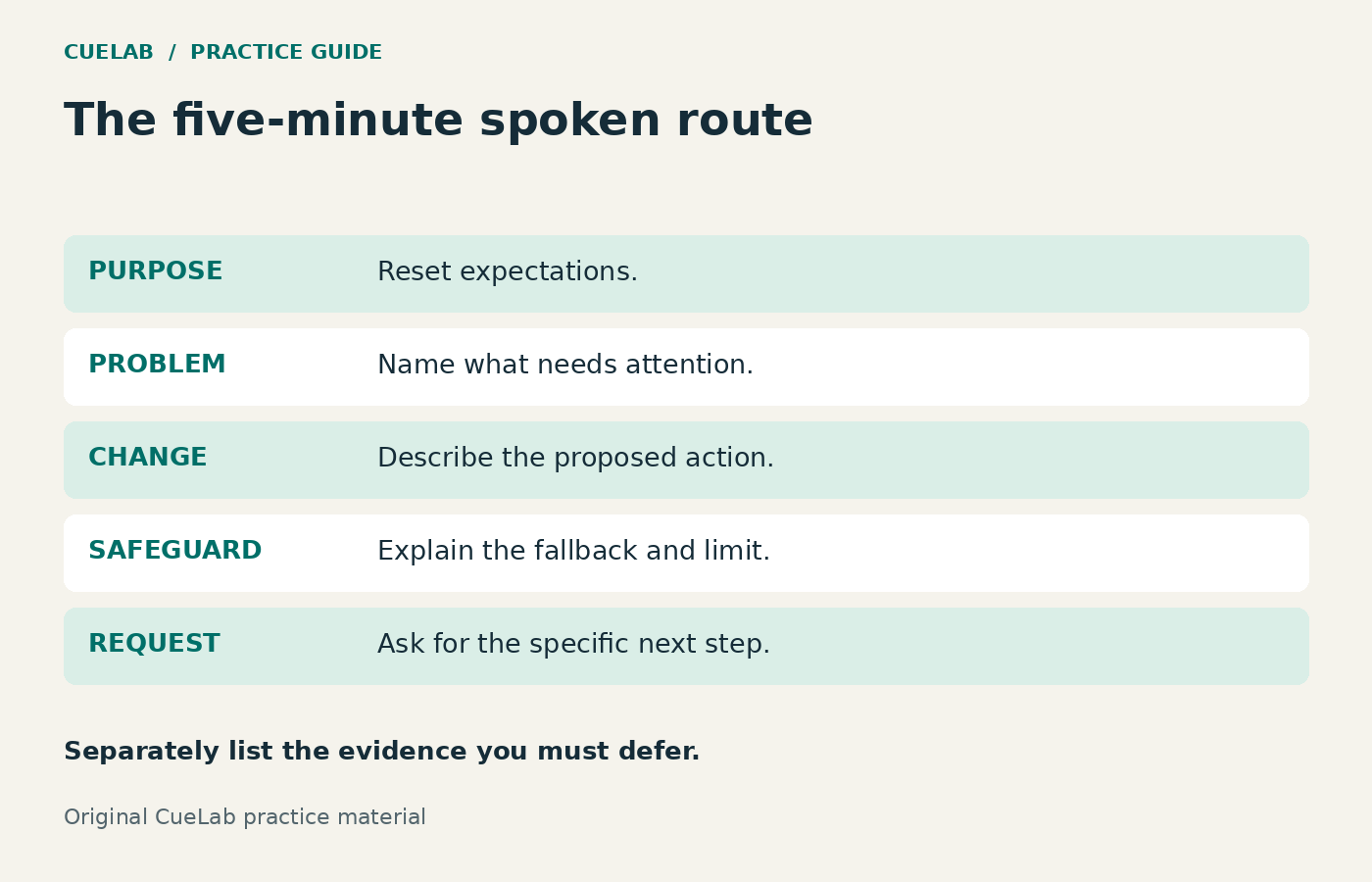
Use one page with five prompts: purpose, problem, change, safeguard, request. Under each, put only the words needed to restart the thought. Include exact critical figures if you will use them, together with their units and reporting period. If you cannot verify a figure from the card, omit it or defer it.
Keep a line headed “Requires visible evidence” and list the items you will postpone. This prevents an improvised fallback from quietly becoming the same evidence-heavy talk delivered less accurately. Keep the card available offline in a format you can read comfortably.
Separate the speaker from the troubleshooting
When possible, ask a host or colleague to check the display while you reset the audience’s expectations. Agree a brief troubleshooting window with the chair instead of narrating every cable change. If you are alone, say what you are checking and stop speaking while you do it; dividing attention between a technical repair and a precise explanation invites errors.
Make a fresh decision when the display returns. If you have already completed the spoken route, do not automatically restart the original eight-minute deck. Show only the evidence still needed, or arrange its review after the meeting. The clock and the audience’s task have changed.
Prepare the technical backup without making it the whole plan
Before the event, test the actual room’s projector, sound, power, connections, and any media you plan to play. Keep a copy of the presentation and necessary media available independently of a fragile network connection. Check that the backup opens and that its fonts and layout remain usable.
For a confidential deck, use the approved storage and sharing process. A failure is not a reason to upload private material to a personal account or an unfamiliar public service. If attendees need an accessible copy, arrange that in advance rather than relying only on the projected image.
Rehearse a screen failure as a specific branch
- Deliver the ordinary opening once.
- At a planned point, close the slides and use the route card.
- State which material is deferred.
- Deliver the five-part route and its limited request.
- Ask a listener what decision is being requested and what remains unreviewed.
- Revise any wording that makes the limited request sound like full approval.
This drill tests your own fallback explanation; it does not establish how a real audience will react under pressure. Use the Speaking Rehearsal Worksheet to log the duration and the point at which you lost the route.
Three sentences to keep ready
For a brief interruption: “We have a display problem. I will pause the comparison while it is checked.” For a spoken fallback: “I can explain the proposal, but we will review the exact figures when the material is accessible.” For an evidence-dependent decision: “That decision requires the diagram, so I am deferring it rather than describing uncertain details from memory.”
For choosing what survives a shorter slot, see the presentation-shortening guide. For organizing the argument itself, see the opening-to-closing structure guide. A useful backup is a prepared route with clear limits, not a promise that every presentation can proceed without its evidence.