The presentation & communication journal
Present clearly.
Communicate confidently.
Practical guides, worked examples and free tools for your next presentation, lesson or conversation.
Free presentation tools
View all tools →Free downloads
View resources →All guides
The complete article library, newest first.
-
24 Persuasive Speech Topics for College Students, with Evidence Prompts
Find 24 persuasive speech topics for college students, each with an evidence route and a serious objection, plus a worked five-minute argument.
-
20 Business Topics for a Presentation, with Decision Briefs
Explore 20 practical business presentation topics, with evidence prompts, decision briefs and a worked example that makes costs and assumptions visible.
-
24 Presentation Topics for College Students, with a 5-Minute Outline
Choose from 24 focused presentation topics for college students, with evidence ideas, concrete visuals and a worked five-minute outline.
-

Build a 12-Minute Hybrid Q&A That Includes the Room and the Chat
Use a moderator run sheet, one question queue, and clear handoff wording for a short Q&A with in-person and remote participants.
-
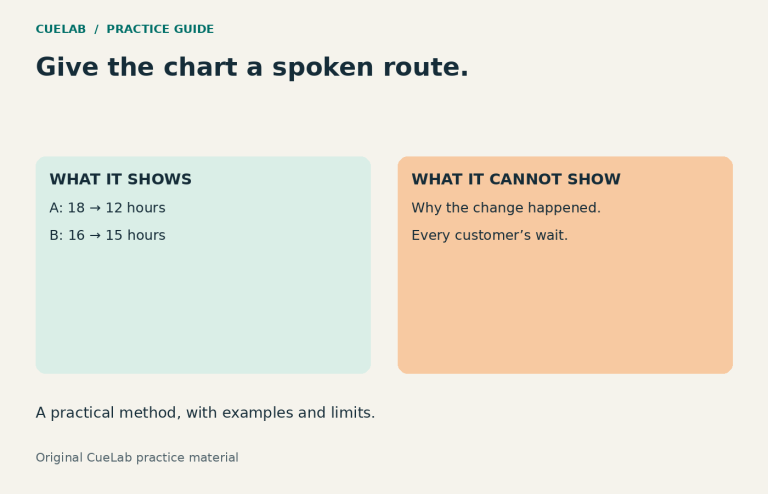
How to Describe a Chart Aloud Without Reading Every Number
Turn one chart into a clear spoken explanation, with a complete script, a text data table, and a practice task.
-
The Projector Fails: A Five-Minute Presentation You Can Still Deliver
Prepare a complete spoken fallback, a one-page route card, and a decision rule for when visual evidence is essential.
-
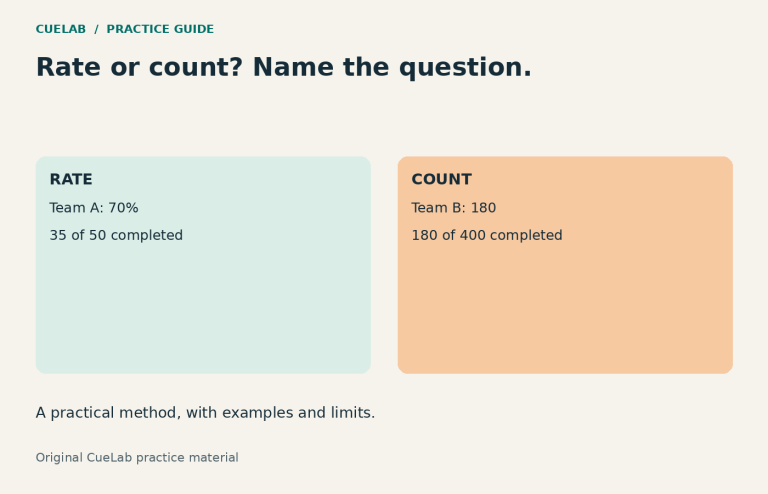
Percentages With Different Group Sizes: Show the Rate and the Count
Build an honest comparison when the higher percentage belongs to the smaller group, with checked calculations, slide titles, and a practice answer key.
-

How to Present a Recommendation Without Overselling It
Build recommendation presentations around decision criteria, evidence, trade-offs, uncertainty and a clear ask so the audience can inspect the logic rather than simply accept a…
-

How to Present to a Mixed-Expertise Audience Without Losing Beginners or Boring Experts
A mixed-expertise audience does not need an average-level presentation. Use a common spine, bridges for newcomers and case-specific depth for experts without splitting the room.
-

When Should a Slide Become a Handout? A Practical Design Guide
Separate what the audience needs during the presentation from what they need afterward. Use the Live–Later test to design clearer slides and more useful handouts.
-

How to Present Uncertainty Without Sounding Unprepared
Learn how to communicate estimates, ranges, assumptions and unknowns without sounding vague or overconfident, using a practical Known–Estimate–Condition framework.
-
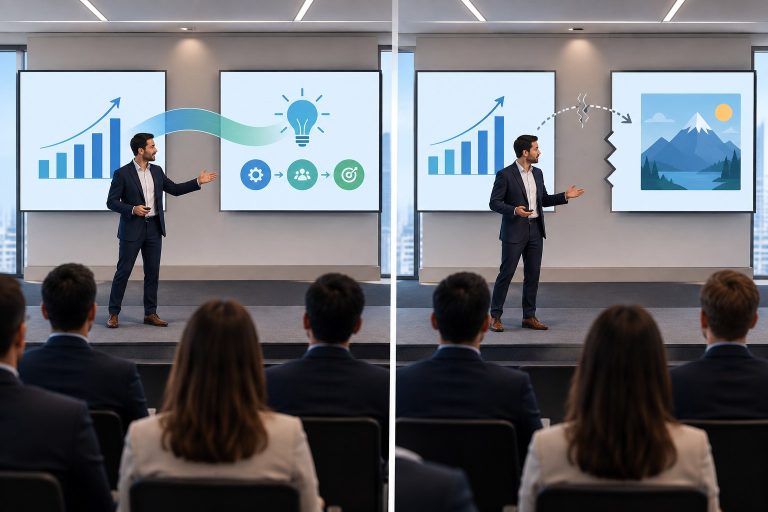
Why Some Presentation Transitions Feel Awkward
Awkward presentation transitions usually reveal more than a missing phrase. Learn how order, section endings, pauses, slides, and idea relationships affect flow.
-

Why People Miss Instructions Even When They’re Listening
People can listen closely and still miss an instruction. See how working memory, timing, sequence, hidden context, and task load change what gets remembered.
-
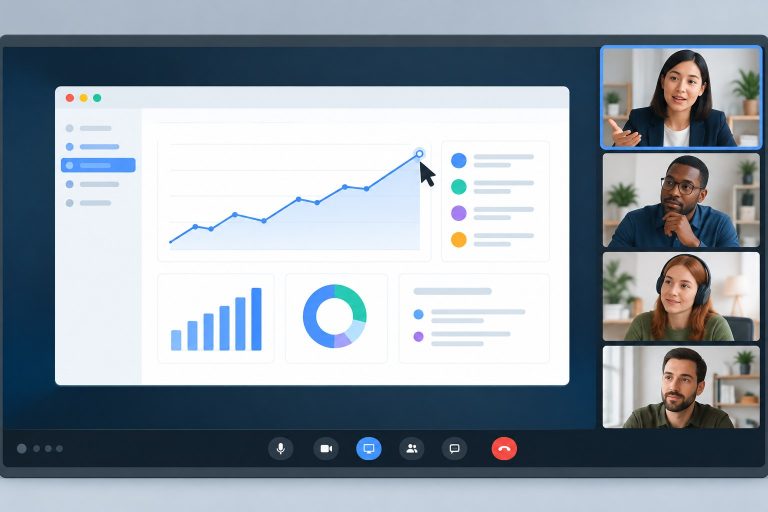
How to Share Your Screen Without Losing the Room
Learn how to share your screen so people can follow the right content, read it comfortably, ask questions, and return to the meeting without losing…
-

Table or Chart? How to Choose the Right Format for a Presentation
Choose between a table and a chart by the task your audience needs to perform, from exact value lookup to seeing patterns, trends, and comparisons.
-

How to Use Vocal Variety Without Sounding Theatrical
Use vocal variety to make contrasts, conditions, and important ideas easier to hear without forcing dramatic pitch, volume, or pauses.
-

How to Cut a 20-Minute Presentation Down to 10 Minutes Without Losing the Point
Learn how to shorten a 20-minute presentation to 10 minutes without rushing, losing evidence, or weakening the decision your audience needs to make.
-
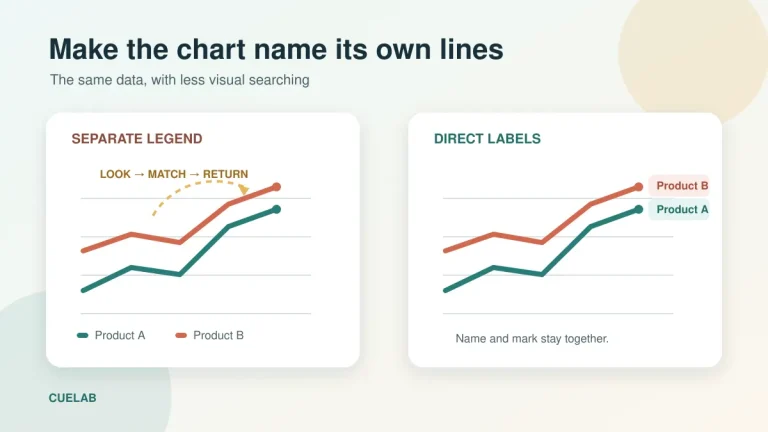
Why Direct Labels Make Presentation Charts Easier to Read Than Legends
A practical guide to replacing detached chart legends with direct labels that reduce visual searching, strengthen accessibility, and keep evidence beside its meaning.
-

Why “Any Questions?” Often Gets Silence—and What to Ask Instead
Why a polite invitation can produce a silent room—and how focused prompts, wait time, and lower-pressure response routes lead to better questions.
-

Why “Good Job” Is Weak Feedback—and What to Say Instead
“Good job” is easy to say and pleasant to hear. It can mark a warm moment between a teacher and student, a manager and employee,…
-

How to Handle Questions You Can’t Answer During a Presentation
The question arrives just as the room begins to relax. It is precise, relevant, and one step beyond the evidence you prepared. Everyone looks at…
-

Why a Correct Chart Can Still Mislead Your Audience
A chart can use correct data and still create a misleading first impression. Audit scale, context, encoding, colour, claims, and the audience’s five-second takeaway.
-

Why People Keep Talking Over Each Other on Video Calls
Two people begin speaking at the same moment on a video call. Both stop. Each waits for the other, both restart, and the collision happens…
-

Why Perfectly Memorized Speeches Can Sound Less Natural
Memorize what needs exact wording while learning the structure underneath the speech, so interruptions and forgotten lines do not break the argument.
-

Why the Middle of a Presentation Loses More Audiences Than the Opening
A practical Question–Evidence–Result framework for rebuilding the middle of a presentation so each section earns the next one.
-

Emoji at Work: A Decision Guide for Professional Messages
A practical decision guide for using emoji in workplace messages without making requests, approvals, deadlines, or sensitive conversations ambiguous.
-

Why Students Can Follow a Lesson Without Actually Remembering It
A lesson feels clear while the teacher is explaining it. The example makes sense, the steps seem connected, and the student can follow the answer…
-

Static Slide vs Progressive Reveal: A Task-Based Decision Guide
A complete slide gives the audience freedom to inspect the material. A progressive reveal gives the presenter control over when each part appears. Neither approach…
-

The Difference Between a Thinking Pause and a Nervous Pause
Learn how to make pauses useful, recover cleanly after losing your place, and distinguish the function of a pause from assumptions about nervousness.
-

How to Sequence a Complex Process Slide Without Hiding the Big Picture
A practical map-and-focus method for sequencing complex process slides so the audience keeps the big picture while following one stage at a time.
-

Does Knowing a Message Was Written With AI Change How Much You Trust It?
You receive a thoughtful message from a colleague. It acknowledges a problem, explains the next step, and sounds considerate. Then the colleague mentions that an…
-

Does Pointing at Something While Teaching Actually Help Students Learn?
A teacher says, “This part is important,” while standing beside a diagram. From the teacher’s position, the intended part is obvious. From a student’s seat,…
-

Why an Arrow Can Change What Your Audience Notices First
A diagram can contain everything an audience needs and still leave people wondering where to begin. The relevant detail may be visible, accurately labeled, and…
-

Pause Planning for a Chart Explanation: An Annotated 90-Second Script
Plan silence around the work listeners need to do, using a complete chart script, a timing map, and a rehearsal check.
-

Why Your Slide Title Should Make a Claim, Not Just Name a Topic
A slide appears with the title “Customer Feedback.” Under it are three quotations, a chart, and a short list of complaints. The audience can see…
-

Why Webcam Eye Contact Is a Poor Measure of Attention
Webcam gaze can create the appearance of eye contact, but it is weak evidence of attention. Learn what gaze can and cannot tell you on…
-

How to Tell Whether Students Actually Understand Your Explanation
Students can follow an explanation, nod at the right moments, and still struggle to use the idea without help. To tell whether they actually understand,…
-

Why Too Many Bullet Points Make Slides Harder to Follow
Too many bullet points make slides harder to follow when the audience has to read, listen, and work out the relationships between ideas at the…
-

How to Use Pauses: A Practical Script-Marking Exercise
Mark thought boundaries, compare two versions of a short script, and use a simple recording drill to revise awkward pauses.
-

How to Turn a Complex Topic Into a Clear Presentation
A complex topic becomes a clear presentation when the audience can follow one useful line of reasoning through it. You don’t have to remove every…
-

Where Should You Actually Look During a Video Call? The Camera-Eye Contact Problem
During a video call, look mainly where the conversation requires your attention, and use the area near the camera when you want to address the…
-

How to Explain a Difficult Idea Without Oversimplifying It
To explain a difficult idea without oversimplifying it, make the route into the idea easier while keeping the conditions that make it true. You can…
-
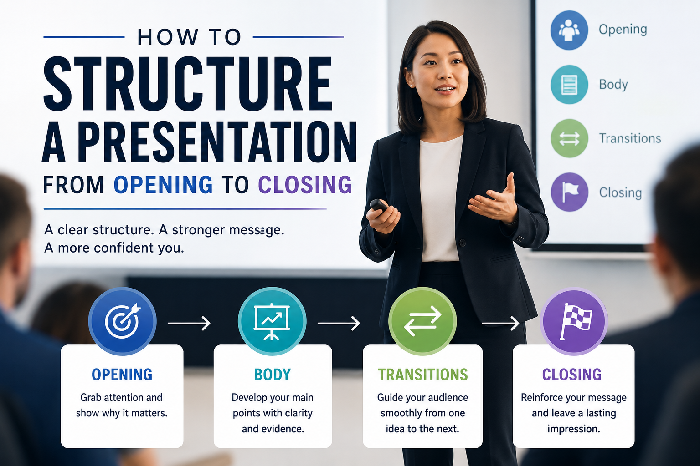
How to Structure a Presentation From Opening to Closing
A presentation can contain good research, attractive slides, and accurate information and still feel difficult to follow. The problem is often not the material itself…
-

How to Use Images in a Presentation Without Distracting the Audience
Using images in a presentation works best when each picture helps the audience understand something specific. A photograph can show a detail that would take…
-

Why a Friendly Teaching Video Can Still Be Hard to Learn From
A teaching video can feel pleasant from the first minute. The instructor smiles, speaks naturally, uses familiar examples, and never sounds stiff or distant. Students…
-

Visual Attention Audit: When a Slide Gives Your Eyes Too Many Places to Look
A presentation slide can contain nothing factually wrong and still be difficult to understand. The title is clear, the chart is accurate, the photograph is…
-

How to Slow Down When You Speak Too Fast
Find exactly where your presentation pace accelerates, then use thought boundaries, editing, and a 90-second drill to regain control.
-

How to Start a Presentation Without Sounding Rehearsed
Use the Anchor–Route opening method to prepare a strong first minute without trapping yourself inside one memorized paragraph.
-
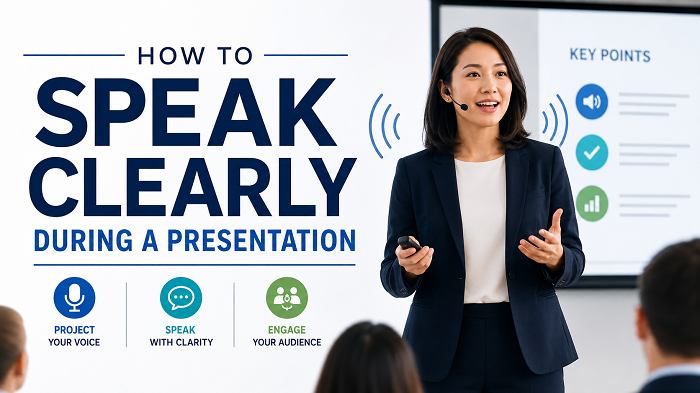
How to Speak Clearly During a Presentation
A six-part clarity diagnostic for presentation pace, pauses, volume, articulation, wording, and body orientation, plus a five-minute rehearsal drill.
Find an idea, try it in your own words, and make your next draft clearer.
Explore the resource library →