Why Webcam Eye Contact Is a Poor Measure of Attention
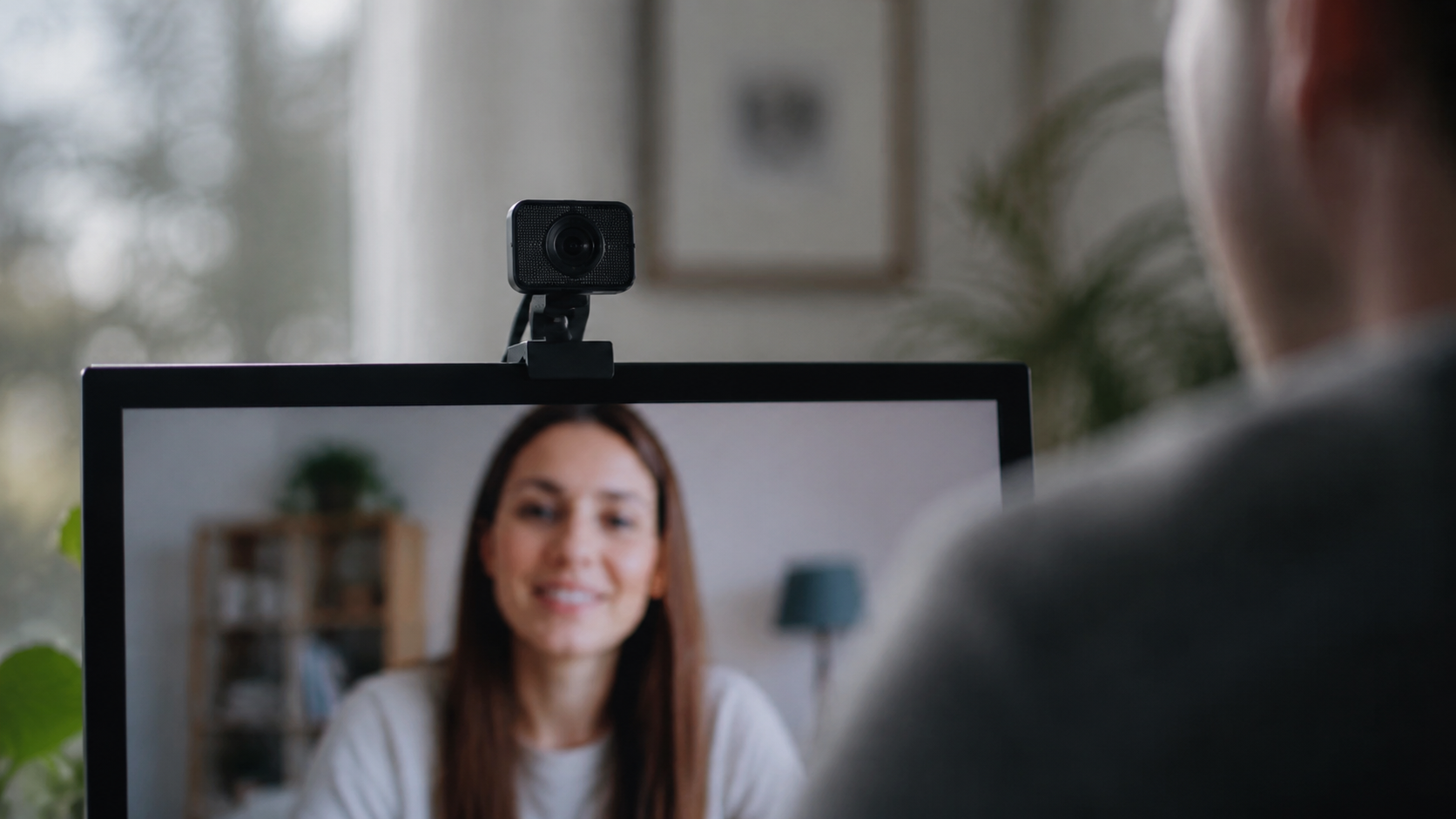
A person can be listening closely on a video call while appearing to look away. They may be watching your face on a second monitor, reading captions, taking notes, checking a shared document, or looking at the place on screen where your video happens to be. The camera records only the direction of their face and eyes; it does not record what they are attending to.
That makes webcam “eye contact” a weak measure of attention. It can still help a speaker create a sense of direct address, but it should not be treated as proof that someone is engaged, confident, honest, or respectful.
The camera and the conversation occupy different places
In a room, the person you are watching and the person who sees your gaze are usually in roughly the same physical direction. On a video call, the camera may sit above the display while the other person’s face appears lower down. Looking directly at the face can therefore make your recorded gaze appear lowered.
The mismatch becomes more obvious with multiple screens. Someone may put the shared document on a large monitor and keep the call controls on a laptop. From their point of view they are following the discussion; from the camera’s point of view they are repeatedly looking sideways.
This is a property of the setup, not evidence of attitude.
A gaze direction does not tell you what the person is doing
| What you see | Possible explanation | What you actually know |
|---|---|---|
| Eyes move downward | Reading notes, captions, chat, or a document | The gaze moved downward |
| Face turns to the side | Second monitor, another participant, or reference material | The face turned |
| Little direct camera gaze | Watching the speaker’s on-screen face | The person is not looking near the lens |
| Frequent camera gaze | Direct-address habit or deliberate presentation technique | The person often looks near the lens |
The final column is intentionally modest. A video image gives you observable behavior; interpreting motive requires more evidence.
Perceived eye contact is not identical to looking into the lens
A 2025 Journal of Vision study by Alice Gao and colleagues examined how gaze direction in displayed camera images affected perceived eye contact. In the setup they studied, gaze slightly below the camera could produce stronger perceived eye contact than gaze exactly into the lens.
The result is useful because it breaks a common assumption: there is not necessarily one perfect “stare at the camera” point for every device and viewing arrangement. It does not create a universal coordinate for meetings. Screen size, camera placement, image position, and viewing conditions still matter.
The most useful question is usually behavioral, not visual
If you need to know whether someone understood a proposal, ask for evidence of understanding. If you need a decision, ask for the decision. If you need to know whether the shared document is visible, ask the person to confirm the relevant section.
Trying to infer all of that from gaze creates unnecessary uncertainty. A participant who looks directly at the lens may still be distracted. A participant looking away may be taking careful notes.
For example, compare these two meeting habits:
- Weak check: “They kept looking away, so I don’t think they were following.”
- Useful check: “Before we move on, which of the two options do you think fits your team, and what would block it?”
The second produces information you can act on.
Direct camera gaze still has a practical use
This does not mean camera gaze is irrelevant. When you are speaking, looking near the camera can make a greeting, recommendation, or closing question feel more directly addressed. The key is to use it as a communication choice rather than a constant performance requirement.
When you need to listen, read a reaction, inspect a shared screen, or check notes, look where the information is. Then return near the camera at moments when direct address matters.
If you want the practical setup—where to place the call window, notes, and camera—use Where Should You Actually Look During a Video Call?. That guide is about arranging the environment; this article is about interpreting gaze cautiously.
Group calls make gaze even less reliable
In a group call, everyone may see a different layout. The colleague in your upper-right corner may appear in another participant’s lower-left corner. Looking toward one video tile therefore cannot reliably tell the whole group whom you are addressing.
Use names, explicit handoffs, and clear questions. “Amina, could you take the next point?” works across layouts. Looking toward Amina’s tile only works on the screen in front of you.
The same logic applies to turn-taking. If two people start speaking at once, a small network delay or missing visual cue may be the cause. CueLab’s guide on why people talk over one another on video calls explains that timing problem in more detail.
Accessibility can change where a person needs to look
Some participants rely on live captions, interpreters, enlarged content, or a particular screen arrangement. Others may find sustained direct gaze uncomfortable or distracting. A meeting that treats camera-facing behavior as a requirement can penalize people for using the interface in the way that lets them participate best.
Judge contribution by the work of the conversation: responses, questions, decisions, explanations, follow-through, and the ability to use the shared information.
A simple test for your own setup
Record three short versions of the same sentence:
- while looking at the other person’s face on screen;
- while looking directly into the lens;
- while looking just below or beside the lens where the face could realistically sit.
Watch the clips at the size another participant would normally see them. Choose the position that looks natural enough without making it harder to read expressions or use the meeting tools. The point is not to discover a perfect angle. It is to reduce an avoidable mismatch.
Use a stronger standard for attention
Webcam gaze can help with presentation, but it is poor evidence of another person’s internal state. Treat it as one visible cue among many, and prefer direct checks when the stakes matter.
If the meeting depends on whether someone understands, ask them to explain the next step. If it depends on agreement, ask for the decision. If it depends on a concern, create a safe way to raise the concern. Those behaviors tell you more than whether someone happened to look at a camera.