Build a 12-Minute Hybrid Q&A That Includes the Room and the Chat

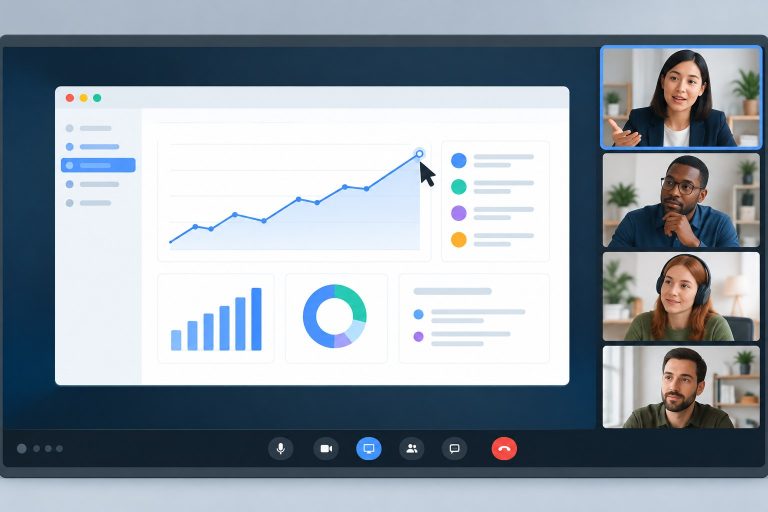
A hybrid Q&A can turn into two different meetings. People in the room hear one another and raise hands. Remote participants put questions in chat, where the presenter may never see them. Answering the loudest question first does not solve that coordination problem.
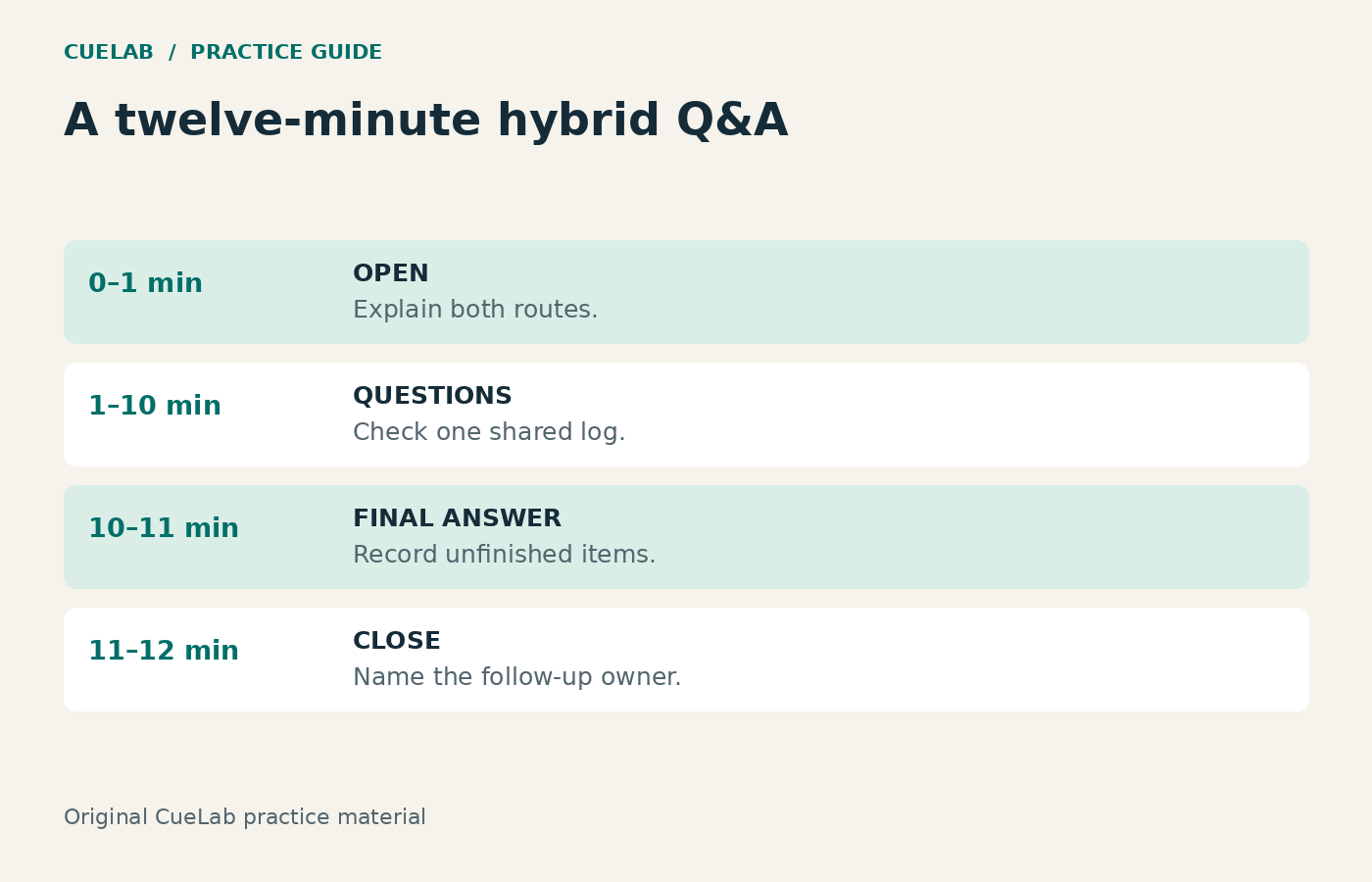
This guide provides an original twelve-minute run sheet for a small hybrid presentation. It assigns queue ownership, supplies the opening wording, and reserves time to close. The timing is a practice template, not evidence that twelve minutes guarantees equal participation or meets every accessibility need.
Give the queue to a named moderator
The presenter answers; the moderator collects and selects questions. A separate host or technician may handle platform and audio issues. In a very small session one person may cover several roles, but say who is monitoring chat before the questions begin.
A presenter who is answering a detailed question, scanning the room, and scrolling chat at once is likely to miss something. If there is no moderator, pause between answers to check the queue rather than pretend chat is being continuously monitored.
The twelve-minute plan
| Time | Moderator action | Presenter action |
|---|---|---|
| 0:00–1:00 | Explain the two input routes, who owns the queue, and the closing time. | Listen and stop screen changes that distract from the instructions. |
| 1:00–10:00 | Select from one visible log, check both routes between answers, and combine genuinely repeated questions. | Answer one question at a time; name limits and avoid a second mini-presentation. |
| 10:00–11:00 | Announce the final live question and record unaddressed items. | Give the final response or state what evidence is needed. |
| 11:00–12:00 | Summarize the follow-up route and close the queue. | Restate the main decision or next step in one clear sentence. |
Nine minutes may fit fewer questions than you expect. The run sheet controls the process; it does not promise a fixed answer count. If a question requires a substantial explanation, decide whether it belongs in a separate session and say so.
The opening instructions to read
“We have twelve minutes for questions. In the room, raise your hand and wait for the microphone. Online, use the question chat or the raise-hand control. I am monitoring both and keeping one queue. Please ask one question at a time. I may combine repeated questions and will explain when I do. At minute ten I will call the final live question. Anything we cannot address will be recorded for the follow-up route we agreed.”
Only promise a follow-up route that actually exists. Before the event, name the owner and destination, such as a shared meeting document. Do not promise that every question will receive a researched response tomorrow unless someone has agreed to do that work.
Use one log for both routes
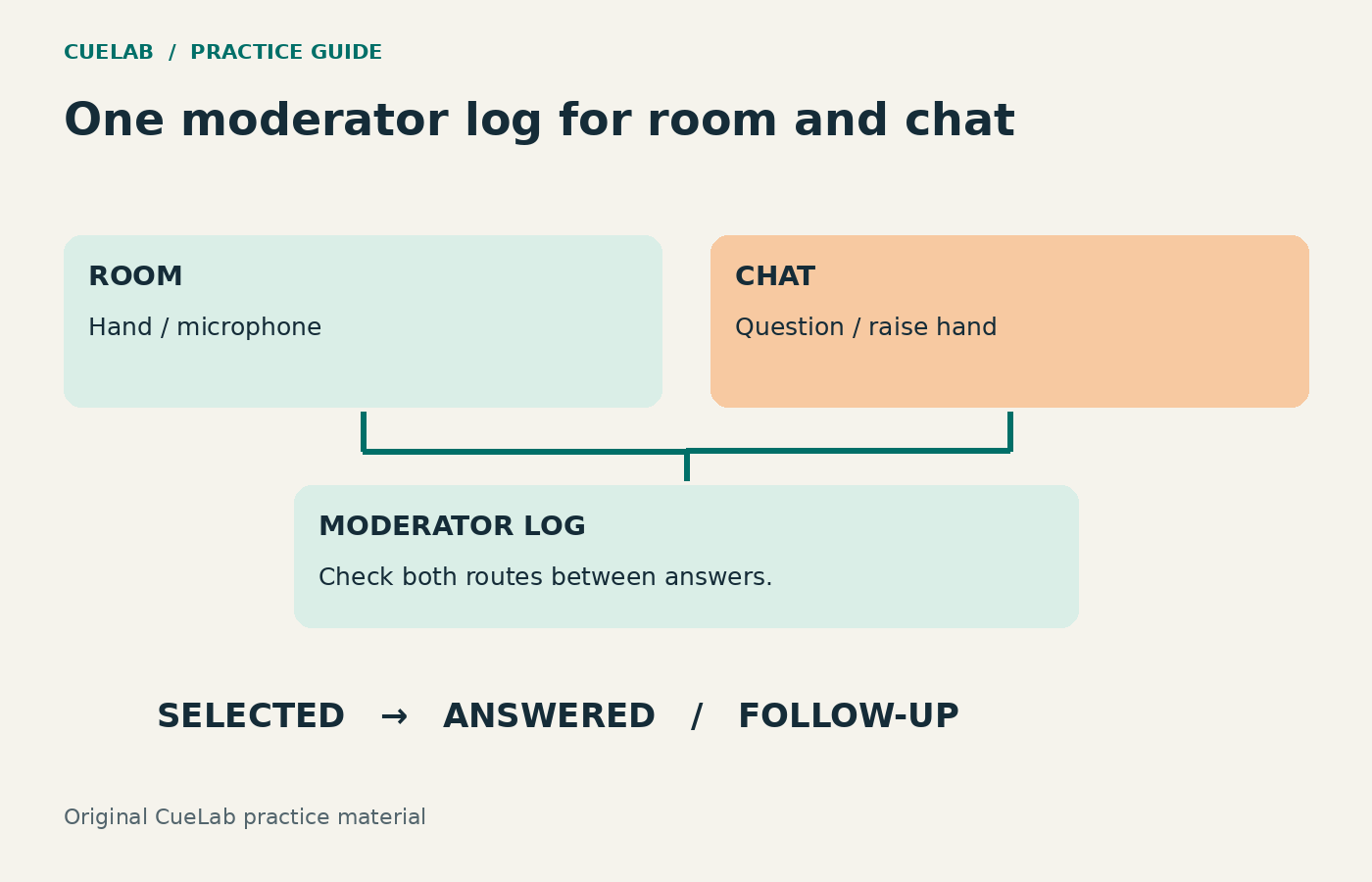
A simple table is enough. Record an item number, route, short question, and status. Do not include unnecessary private participant details in a public log. If the subject is sensitive, use the organization’s approved process and explain what will be recorded.
| Item | Route | Question | Status |
|---|---|---|---|
| 1 | Room | Who offers the appointment windows? | Answered |
| 2 | Chat | Can a customer keep the ordinary callback option? | Selected next |
| 3 | Chat | What happens after a missed appointment? | Queued |
| 4 | Room | What will count as a successful trial? | Queued |
| 5 | Chat | Can you repeat the evaluation criteria? | Related to item 4; combine with explanation |
This is an invented queue, not a meeting record. Item five can be combined with four because they concern the evaluation criteria. Items two and three are related but different: retaining an ordinary option is not the same as the process after an appointment is missed.
Select transparently rather than mechanically alternating
Checking both routes between answers is useful. Strict alternation is not always useful: one route may have no waiting questions, or several entries may repeat the same issue. Use a stated selection principle, such as broadly relevant unanswered questions in order received, with brief clarifications when they are needed to understand the current answer.
Say “There are two questions about evaluation, so I will combine them” or “I am taking the chat question next; it has been waiting while we checked the microphone.” These short explanations make the moderator’s choice visible. They do not guarantee fairness, but they let participants understand the process.
Make the question audible and understandable to both audiences
Read a chat question aloud before answering it. If someone in the room speaks without a microphone, repeat their question into the microphone and check that the summary is accurate. Participants should be able to hear the speaker and access the same supporting material. Arrange captions and other requested access support in advance, and confirm that the room can use it as well as the remote participants.
A question in chat is not automatically accessible to everyone merely because it is written. The meeting platform, content, host practices, and individual access needs all matter. The cited W3C guidance addresses those broader responsibilities; this run sheet addresses only the short Q&A process.
Keep uncertainty in the answer
Suppose someone asks whether the proposed trial will reduce total cost. The presenter has callback counts but no reliable staff-time estimate. A useful response is: “We have not measured total cost yet. The trial log will include staff time, and the decision on a permanent change will wait for that review.”
Do not turn the absence of evidence into “It should definitely be cheaper.” If the question needs a document you cannot access, record the exact missing item and the responsible follow-up owner. The unanswerable-question guide covers how to make that limit clear.
Close with a record of what remains
“That is the final live answer. We have two unaddressed items in the log: the detailed staffing estimate and the missed-appointment threshold. The trial owner will add the agreed information to the meeting document. The decision today remains preparation of the limited trial, with permanent rollout pending the evidence review.”
Separate a question that was not reached from a question that was answered with uncertainty. Both may need follow-up, but the record should not imply that no answer was given when the presenter correctly stated a limit.
Run a five-minute practice before the event
- Have one person submit a chat question while another asks from the room.
- Check whether the moderator notices and logs both.
- Ask an unamplified question and practice repeating it accurately.
- Add a duplicate question and explain why it is combined.
- Call the final-question warning and deliver the follow-up close.
Fix failures in the actual audio or platform rather than hiding them with a more polished script. For the main presentation, use the screen-sharing guide. For more focused invitations, see the question-invitation guide. A well-run Q&A makes the queue, answer, limit, and next step clear to everyone who can access the session.
Further reading
W3C Group Note: Accessibility of Remote Meetings (2022 guidance)